LanderSync

Coming soon · Windows

Put your landing pages online. Press one button.

LanderSync publishes a folder to Cloudflare Pages — free hosting, on your own account. No terminal. No zip files. No dashboard to learn. Change one character and press it again: it re-uploads that one file.

See how it works Follow on GitHub

Free · MIT licensed · finishing code signing first — here's why that matters

The LanderSync window listing published pages, each marked live

Publishing an edit, today

  • Open the folder
  • Select everything, compress to .zip
  • Log in to the Cloudflare dashboard
  • Find the project, find Deployments
  • Drag the zip in, wait for the build
  • Realise you fixed the wrong file

Publishing an edit, with LanderSync

  • Press Publish website

Why this exists

Hosting a landing page shouldn't take a 40-page guide.

Cloudflare Pages is genuinely excellent hosting, and genuinely free. Getting a folder onto it is the problem — enough of one that it needed a forty-page walkthrough, and every edit afterwards meant doing the whole upload again.

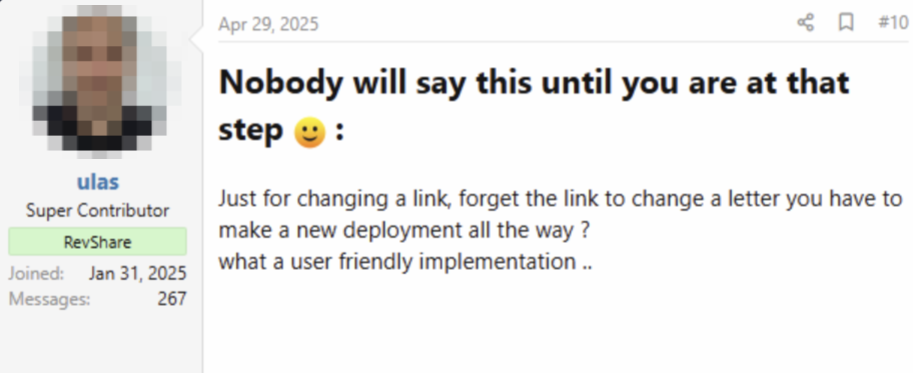
Just for changing a link, forget the link to change a letter you have to make a new deployment all the way? What a user friendly implementation..
— on the guide this replaces

Measured, not estimated

It uploads what changed. Nothing else.

Cloudflare's upload API is content-addressed: every file is keyed by a hash of its contents, so the edge already knows what it has. LanderSync computes the same hashes and sends only the difference.

A four-file site real timings
ActionFiles sentTime
First publish41.08s
Publish again, nothing changed00.16s
Publish after changing one character10.69s

Because it compares content and not timestamps, a file your cloud drive touched but didn't change stays silent.

How you use it

Set it up once. Then it's one button, forever.

Nothing to install alongside it, nothing to configure, no file named wrangler.toml to get wrong. Here is the whole thing.

STEP 01

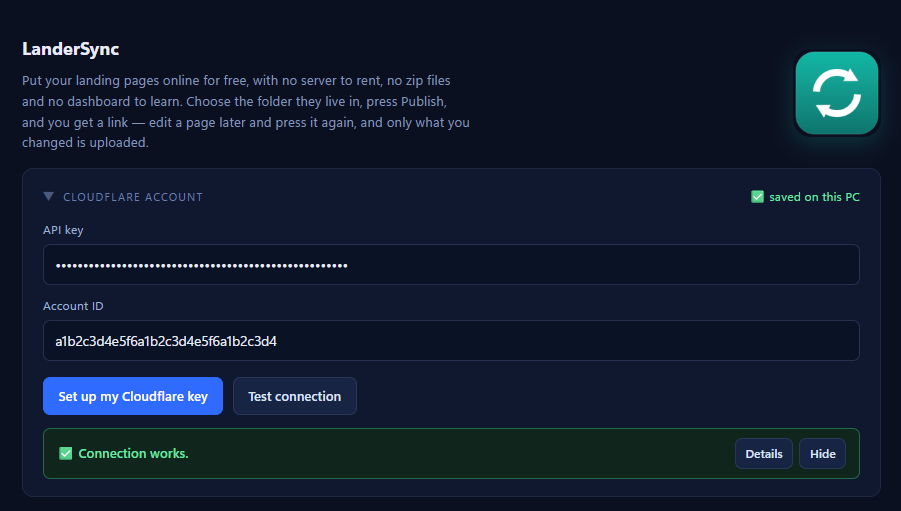
Connect your Cloudflare account

Press the button and LanderSync opens Cloudflare's token page with the right permission already selected — you copy one key back and that's it.

It finds your account ID by itself. You never go hunting through the dashboard for a 32-character string.

Once, ever
Connecting a Cloudflare account inside LanderSync

STEP 02

Point it at your folder

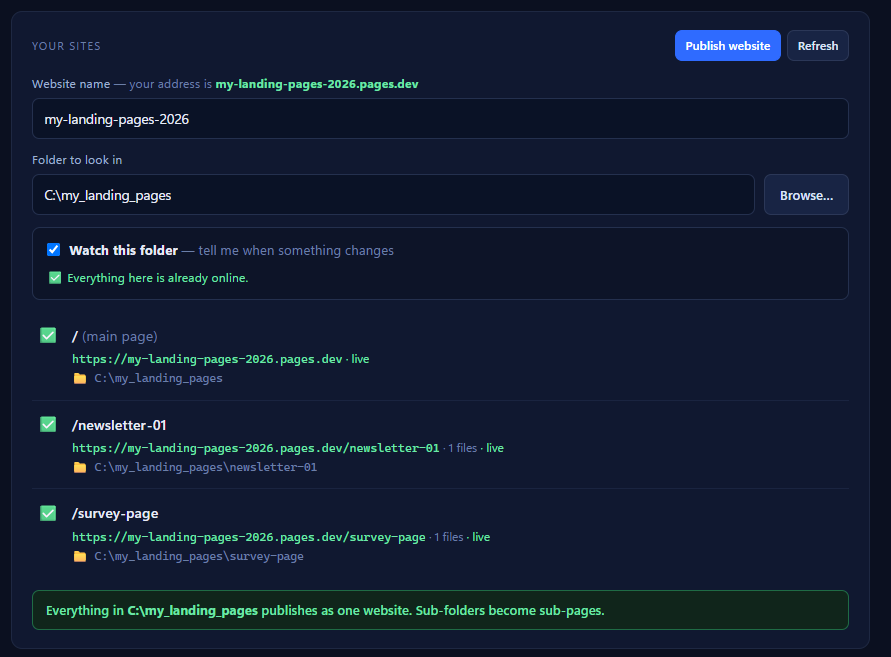
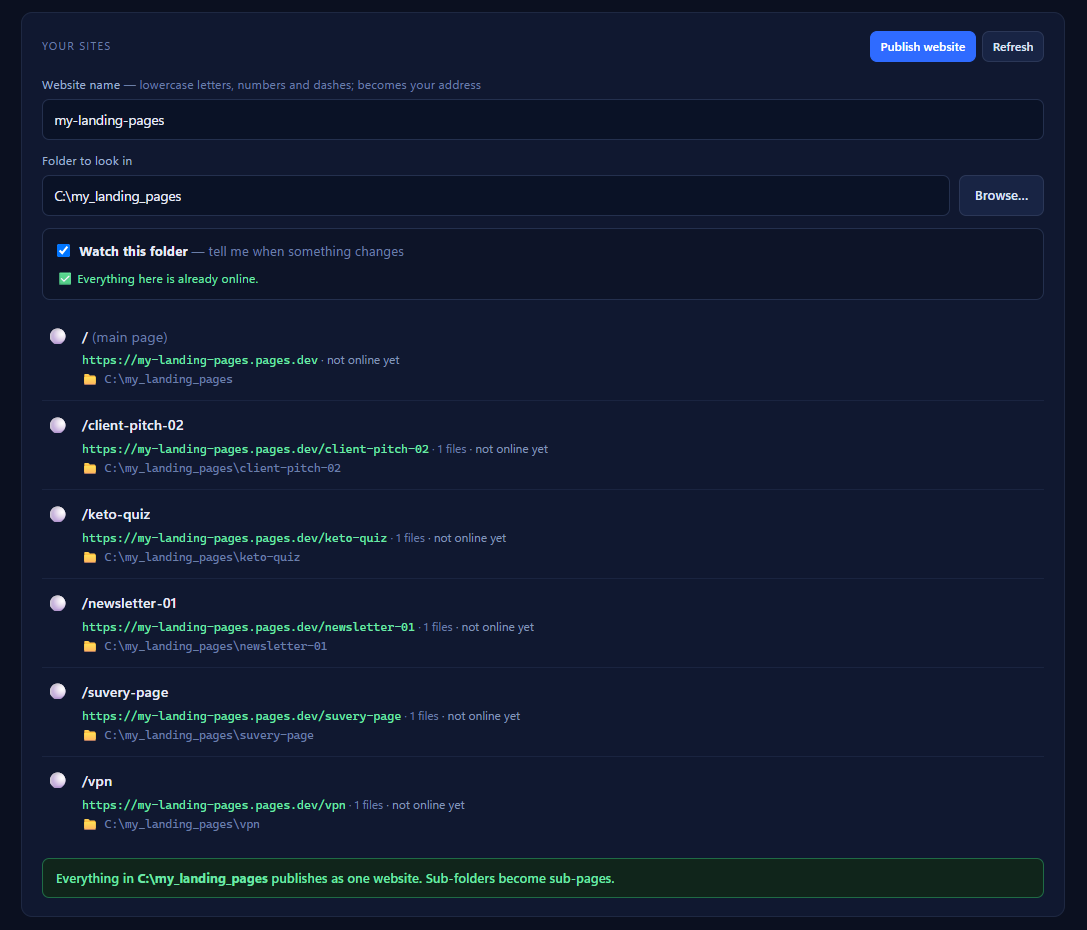
The folder you already keep your pages in. Every sub-folder becomes a sub-page automatically — /keto-quiz, /newsletter-01 — with no configuration and no naming rules to learn.

It shows you exactly which pages it found and which are already online, so you are never guessing what will happen.

Sub-folders become sub-pages
LanderSync listing the pages found inside a folder

STEP 03

Press Publish. Get your link.

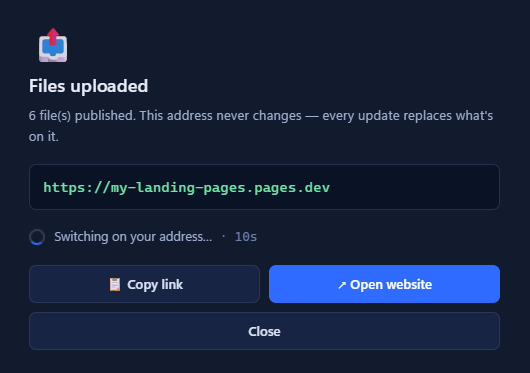
It creates the site on your own Cloudflare account, uploads it, and hands you the address. That address never changes — every update from here replaces what's on it.

Your pages are then served from Cloudflare's network, free, with no bandwidth limit and no server to rent.

A brand-new address takes a few seconds to switch on around the world. After that, an update is roughly one second.

Upload: about a second
LanderSync showing the published site's live address

STEP 04

Keep working. It watches.

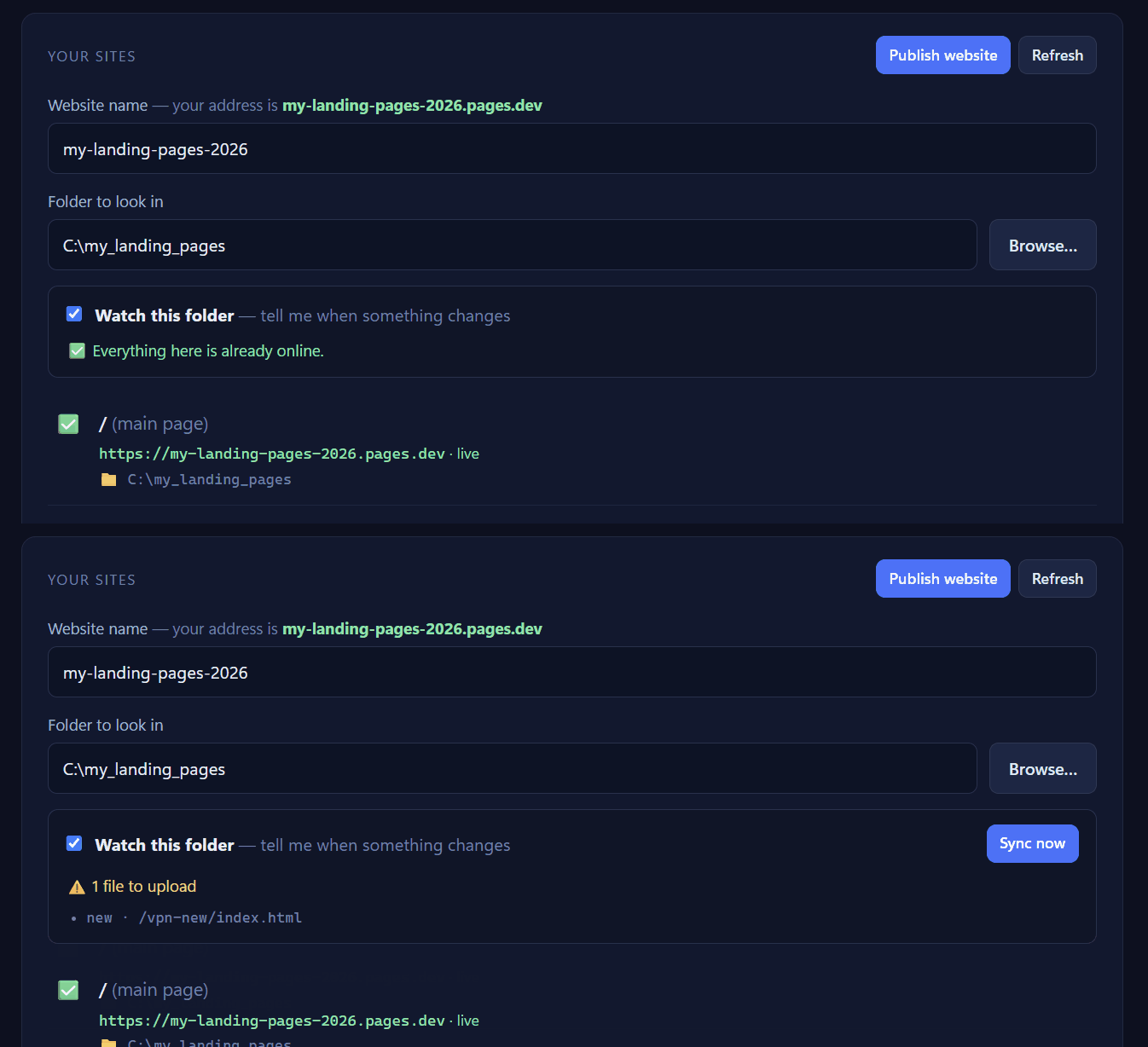
Leave it running and it notices when you change a page, then tells you what changed — by name, before anything goes anywhere.

It never publishes on its own. Nobody's live traffic should meet a half-finished edit because a tool got helpful.

Tells you. Doesn't act.
LanderSync detecting an edited file and listing it

STEP 05

Broke something? Put it back.

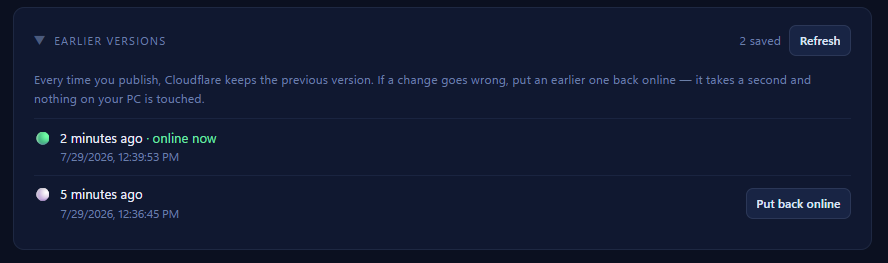
Every publish is kept. Pick an earlier one and it's online again in a second — no re-uploading, and nothing on your PC is touched.

For anyone paying for traffic, that is the difference between a bad morning and a bad month.

One click back
A list of earlier versions with one marked online now

STEP 06

It stays out of your way

Close the window and it drops down by the clock, still watching. It tells you when a page changes and opens on the change list when you ask it to.

Or quit it entirely — it's a tool, not a resident.

Down by the clock
The LanderSync icon sitting in the Windows notification area
Down by the clock, next to everything else you keep running.
  • Your Cloudflare key never leaves your PC. It's encrypted at rest using Windows' own data protection.
  • No accounts, no telemetry, no analytics. The app talks to Cloudflare on your behalf, and to GitHub to check for updates. Nothing else.
  • Nothing else to install. No Node, no npm, no command line — it's all inside the installer.

Being straight with you

It's finished. It's waiting on a signature.

The app works end to end and is tested from the packaged installer. What it doesn't have yet is a code signing certificate — and releasing without one would put a full-screen scare in front of the people it was built for.

Why that matters more here than usual

When Windows meets a program it has never seen from a publisher it has never heard of, SmartScreen shows a blue “Windows protected your PC” screen, and hides the Run anyway button behind a More info link.

That message means “Windows has not seen this file before” — not “this file is harmful”. But LanderSync is built for people who were told, correctly, never to click through warnings like that. Handing them one on the very first screen is a bad way to start.

So the signature comes first, and it's coming from the Microsoft Store. Apps published there are signed by Microsoft itself — which means not a smaller warning, and not one that fades away once enough people have downloaded it, but no warning at all. Publisher verification with Microsoft is under way now.

Nothing is hidden in the meantime. Every line of source is already public, the installer is built in the open by GitHub Actions, and an early build sits on the releases page for anyone who wants to look. It just isn't being recommended to anyone until it's signed. SIGNING.md documents exactly what the app connects to and how your Cloudflare key is stored.

One folder. One button. One link.

Windows 10 or 11 and a free Cloudflare account — everything else is inside the installer. Watch the repository and you'll see the signed release the day it lands.

Free forever · MIT licensed · no account needed